
Download Simkl TV Tracker – free TV & movie tracking tool
Overview
Simkl TV Tracker is a free, cloud‑based platform that lets enthusiasts keep an eye on the latest movies, TV series, and web shows without the hassle of juggling multiple websites. By aggregating data from major streaming services, databases, and user‑generated content, Simkl presents a single, searchable dashboard where you can explore titles by genre, release date, popularity, or personal watchlist. The service is built around community interaction – you can sign up with an email address or simply connect your Facebook account, allowing you to share recommendations, follow friends, and receive real‑time notifications about new episodes or upcoming releases. A lightweight desktop client is also available for Windows users, while a Chrome extension brings the same functionality directly into your browser. Whether you’re a casual viewer looking for the next binge‑worthy series or a cinephile tracking festival premieres, Simkl TV Tracker offers a secure, regularly updated database that adapts to your viewing habits.
Key Features
- Universal Search Engine: Filter titles by genre, title, release year, or popularity across movies, TV shows, anime, and web series.
- Personalized Watchlist: Add titles to custom lists, set status (watching, completed, on‑hold) and receive automatic reminders for new episodes.
- Community Integration: Connect via Facebook or email, follow friends, comment on titles, and discover trending picks within your network.
- Cross‑Platform Sync: All changes are saved to the cloud, syncing instantly between the web app, Windows client, and Chrome extension.
- Smart Recommendations: AI‑driven suggestions based on your viewing history, ratings, and the preferences of similar users.
- Release Calendar: Visual calendar view showing upcoming releases, season premieres, and movie debuts tailored to your region.
- Export & Import Options: Export your watchlist to CSV or import lists from other trackers like Trakt or MyAnimeList.
- Secure Account Management: Two‑factor authentication, encrypted data storage, and GDPR‑compliant privacy controls.
Installation & Usage Instructions
Web App – No Installation Required
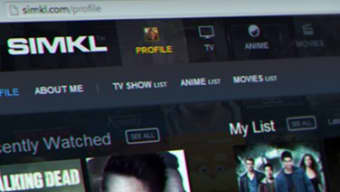
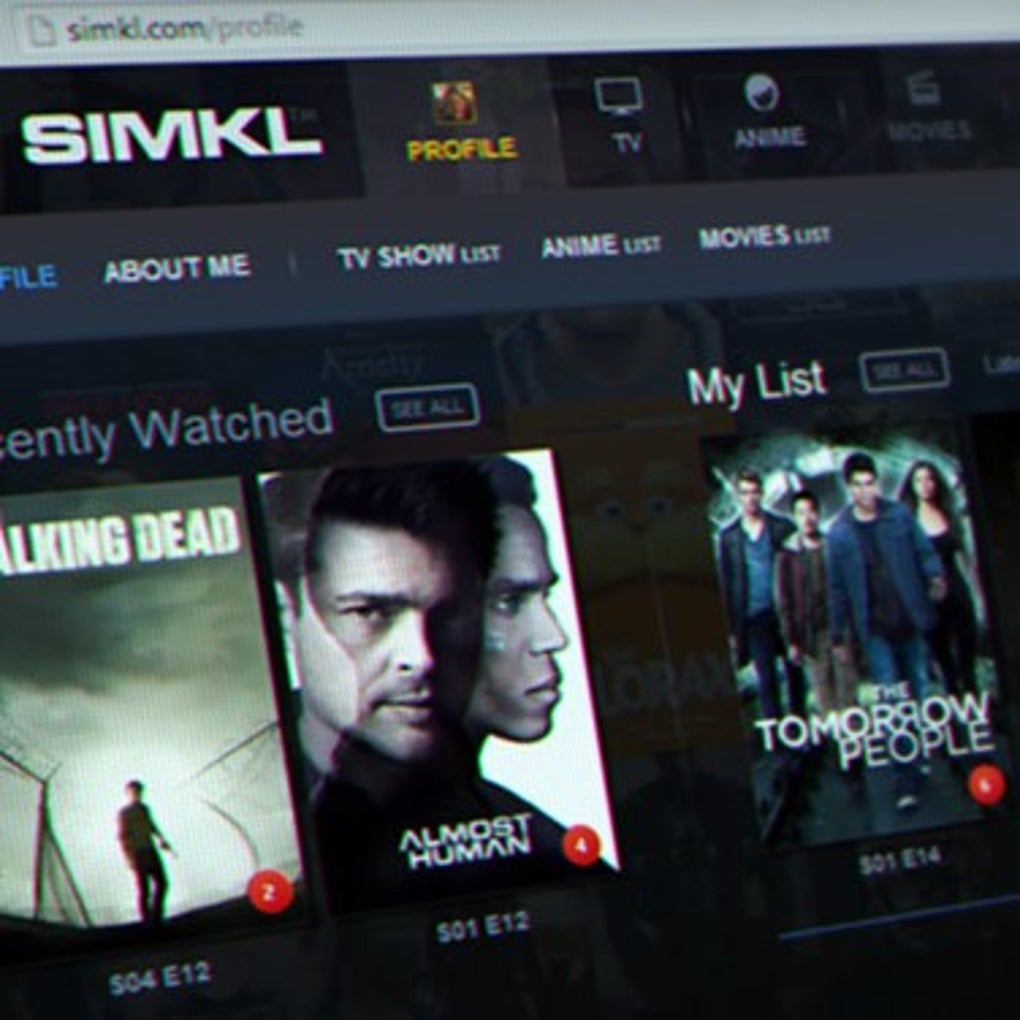
To start using Simkl TV Tracker instantly, open your preferred browser and navigate to simkl.com. Click the “Sign Up” button and choose either email registration or Facebook login. After confirming your account, you’ll be greeted by a clean dashboard featuring a search bar at the top, a quick‑add button for new titles, and a sidebar that hosts your watchlist, calendar, and community feed.
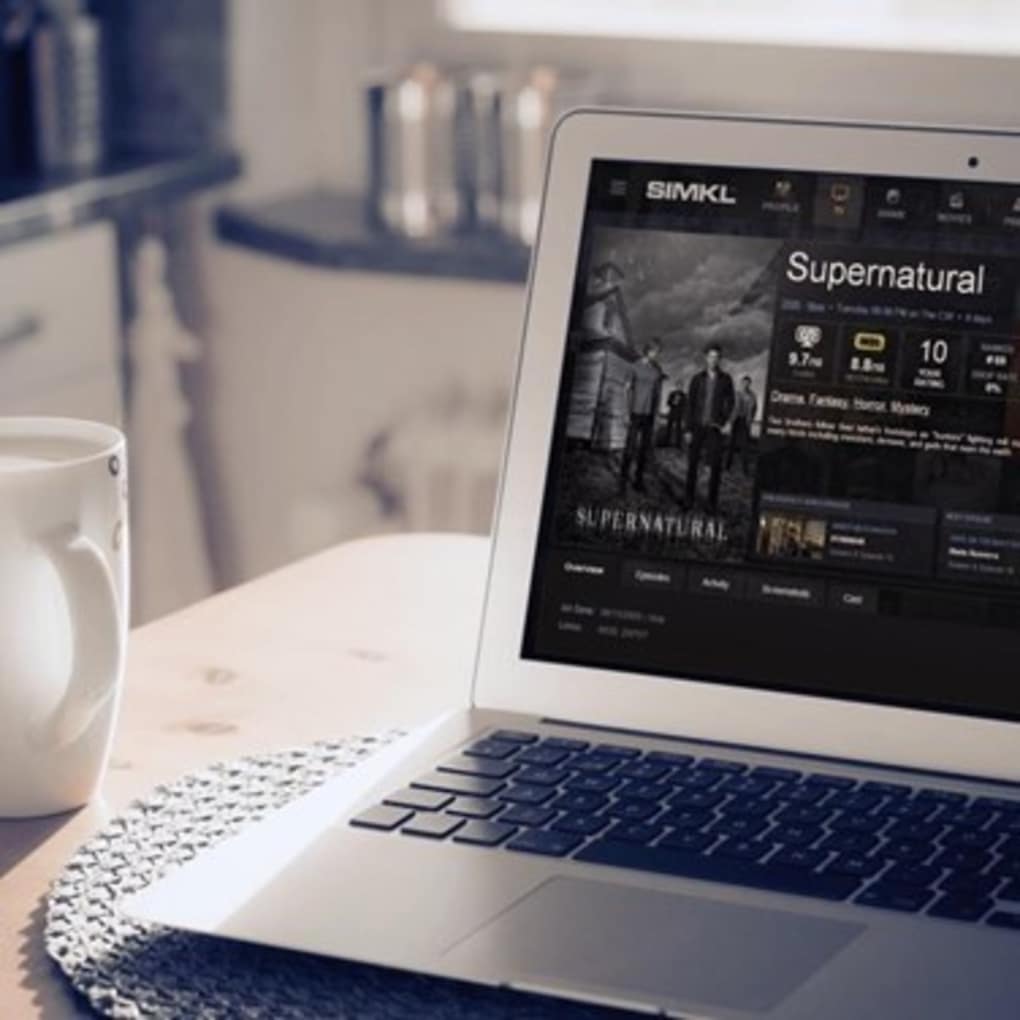
Begin by typing the name of a movie or series into the search field. Results appear instantly, displaying cover art, a short synopsis, and key metadata such as genre, runtime, and rating. Click the “Add to Watchlist” icon next to any title to start tracking it. You can then set the status (e.g., “Watching” or “Plan to Watch”), add a personal rating, and optionally write a short review. All actions are saved in real time, so you can switch devices without losing progress.
Windows Desktop Client – Step‑by‑Step
- Visit the Simkl download page and click the “Download for Windows” button. The installer (approximately 15 MB) will start downloading.
- Run the
SimklSetup.exefile and follow the on‑screen prompts. Accept the license agreement, choose an installation folder (default is fine for most users), and click “Install”. - Once installation completes, launch the application from the Start menu. The first launch will ask you to sign in – use the same credentials you created on the web platform.
- After logging in, the desktop client mirrors the web interface: a left‑hand navigation pane, a central search box, and a real‑time sync of your watchlist.
- To customize notifications, open Settings > Notifications and toggle alerts for new episodes, release dates, or community activity.
Chrome Extension – Quick Access
For users who spend most of their time browsing the web, the Simkl Chrome extension adds a small toolbar icon next to the address bar. Click the icon to open a mini‑dashboard where you can search titles, add them to your list, and see upcoming releases without leaving the current tab. Install the extension from the Chrome Web Store by searching “Simkl TV Tracker” and clicking “Add to Chrome”. After granting permission, sign in with your Simkl account and the extension will automatically sync with your cloud data.
Across all platforms, Simkl offers a robust set of keyboard shortcuts (e.g., Ctrl+F for quick search, Alt+W to add to watchlist) and a dark‑mode theme that can be toggled in Settings > Appearance. These usability touches make the tracker feel native whether you’re on a laptop, desktop, or browser.
Compatibility, Pros & Cons
Supported Operating Systems: Windows 10/11 (64‑bit), macOS 10.14+ (via web app), Linux (web only), Android 7+ (mobile app in beta), iOS 13+ (mobile app in beta). The Chrome extension works on any OS that supports Google Chrome.
Pros
- Completely free with no hidden subscription fees.
- All‑in‑one dashboard eliminates the need for multiple tracking services.
- Strong community features – follow friends, share reviews, and discover trends.
- Real‑time sync across web, Windows client, and Chrome extension.
- Highly customizable notifications and appearance settings.
- Robust privacy controls and two‑factor authentication.
Cons
- No native macOS desktop client (web app is the only option for Mac users).
- Mobile apps are currently in beta and may lack some advanced features.
- Occasional latency when loading large watchlists with thousands of entries.
- Export/import formats limited to CSV; no direct integration with some niche media servers.
Frequently Asked Questions
-
Is Simkl TV Tracker really free?
Yes. All core features – including unlimited watchlist entries, community interaction, and cross‑platform sync – are completely free. Simkl offers optional premium tiers for ad‑free experience and advanced analytics, but they are not required for basic tracking.
-
Can I import my existing watchlist from another service?
Absolutely. Simkl provides an “Import” button in the Settings menu where you can upload CSV files exported from services like Trakt, MyAnimeList, or IMDb. The system maps titles automatically and preserves status and ratings where possible.
-
How does Simkl protect my personal data?
Simkl uses SSL/TLS encryption for all data in transit and stores user information in encrypted databases compliant with GDPR. Two‑factor authentication can be enabled for an extra security layer.
-
Will the Windows client work on Windows 7?
The official Windows client requires Windows 10 or newer. Users on older versions can still access Simkl via the web interface or the Chrome extension, which remain fully functional.
-
Can I receive notifications for new episodes of a series?
Yes. In Settings > Notifications you can enable push or email alerts for new episodes, season premieres, and movie releases based on the titles in your watchlist. You can also customize the frequency (instant, daily digest, or weekly).
Final Verdict
Simkl TV Tracker stands out as one of the most comprehensive, user‑friendly tools for anyone who wants to keep track of movies, TV series, and streaming content without juggling multiple apps. Its free tier already includes everything a casual or power user needs: a powerful search engine, smart recommendations, community interaction, and seamless cross‑platform syncing. While the lack of a native macOS client and the still‑evolving mobile apps are minor drawbacks, they do not outweigh the benefits of a centralized, secure, and regularly updated database. The Windows client and Chrome extension add convenient shortcuts for power users, and the robust privacy controls give peace of mind. Overall, Simkl earns a solid 4.5 out of 5 stars for its feature depth, ease of use, and community focus.
Ready to start tracking? Download the Windows client or sign up directly on the Simkl website and join a vibrant community of film and TV enthusiasts today.



.png)



